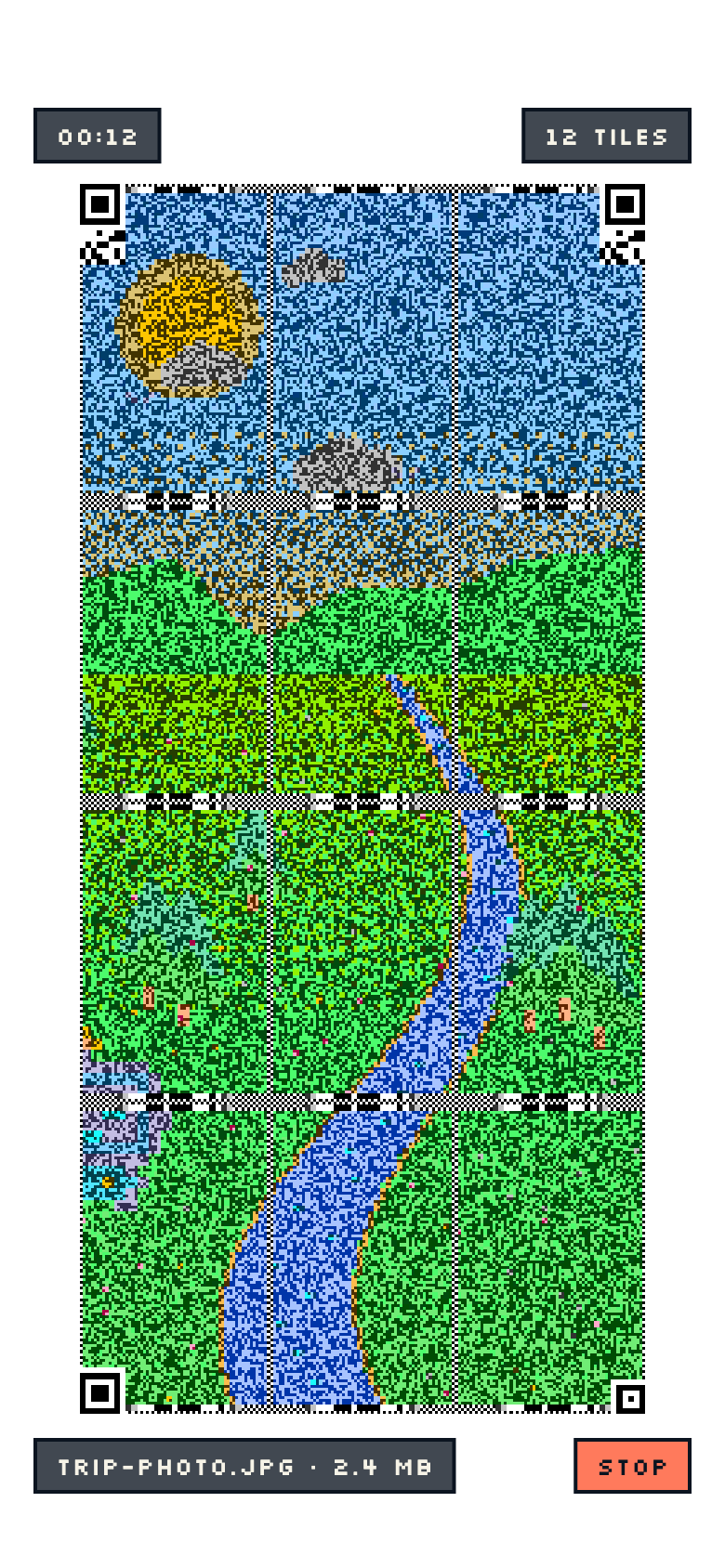
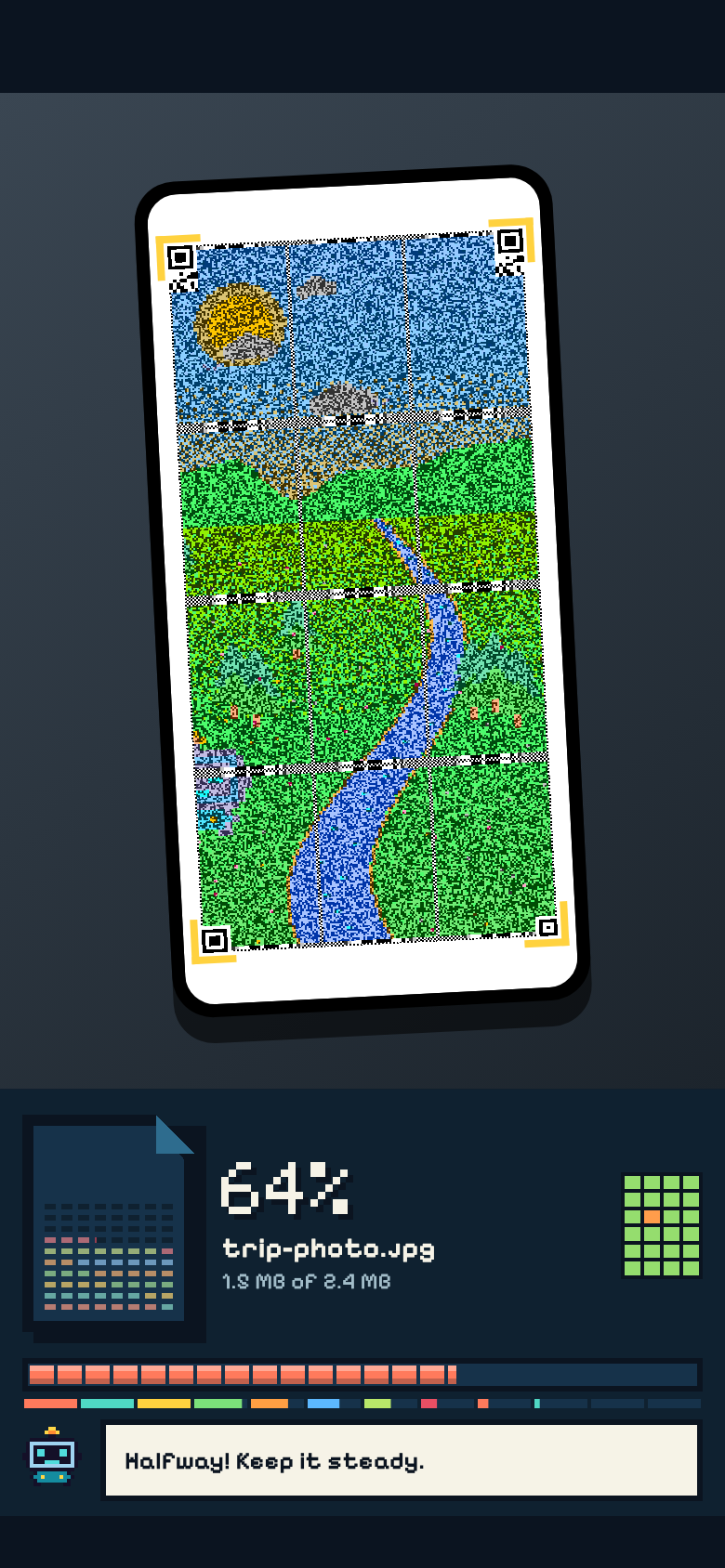
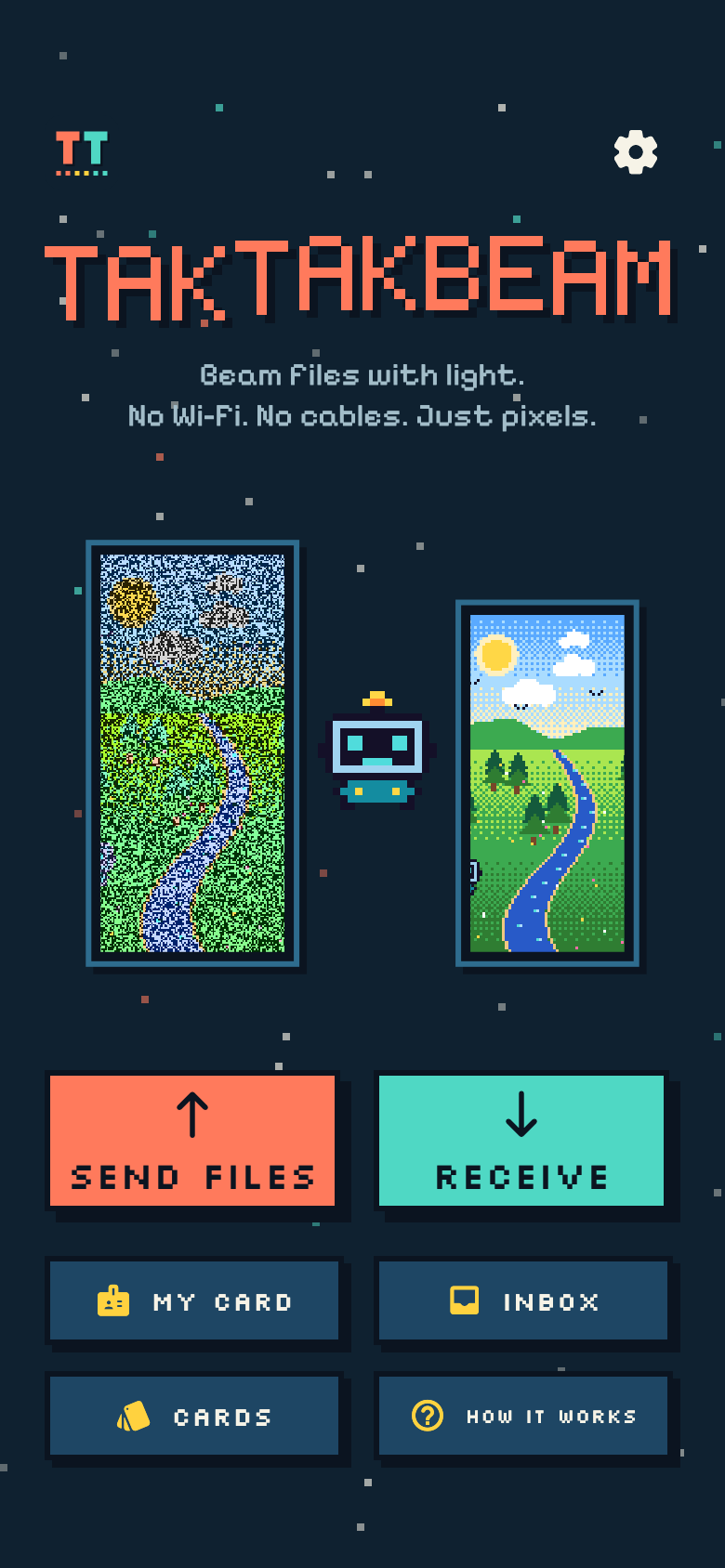
Your screen shows a dancing pixel code. Another phone films it. The photo, the file or the contact is there, exactly as it left.
iPhone to Android. Android to iPhone. No Wi-Fi, no Bluetooth, no cables, no account, no phone number.
App Storecoming soonGoogle Playcoming soon
Free
No ads
No account
Works offline
17 languages
It does not care what phone you have
Every other way to pass a file asks a question first. Same brand? Same Wi-Fi? Bluetooth on? Do I have your number? TakTakBeam asks for one thing: a screen and a camera.
FromTo
iPhoneAndroidyes
AndroidiPhoneyes
iPhoneiPhoneyes
AndroidAndroidyes
One phoneSeveral phones at onceyes
iPad or Android tabletAny phoneyes
Three taps and a steady hand
Pick
Tap Send files and choose photos, videos or any file. Or share to TakTakBeam from any other app.
Show
Your screen turns into a moving pixel-art code. The picture you see is real: the data hides in its light and dark.
Point
The other person taps Receive and holds their phone 15–25 cm away. Little pixel critters jump into the file as it builds.
A missed frame is never a problem: every frame is simply replaced by a later one, so there is nothing to restart.
The moments it was made for
The group photo that everyone wants
Eight friends on a trip. One of you takes the photo. Normally: “send it to the group”, half the group is on iPhone, half on Android, the chat app crushes it to a blur, and two people are not in the group at all.
With TakTakBeam you hold up your phone. Everyone films it at the same time. A moment later eight phones have the original photo, and nobody had to give anybody a phone number.
No signal, no problem
On a plane, in the metro, at a festival, on a mountain, abroad with roaming off. There is no network to need. Light always works.
“Do you have AirDrop?” “I have Android.”
That conversation is over. So is “turn on Bluetooth”, “which Wi-Fi are you on” and “I'll email it to you later”, which nobody ever does.
Someone you just met
A buyer for your old bike. Another parent at the birthday party. A traveller at the hostel. Hand over a photo or a document without handing over your number.
From your laptop to your phone
Boarding pass, ticket, a PDF you need at the counter. Open TakTakBeam on your Mac, film the screen with your phone. No cable, no cloud, no “sign in to continue”.
A whole room at once
A teacher with a handout, a guide with the day's map, a trainer with the slides. Show the code once. Everyone who points a phone at it gets the file.
A phone that is locked down
Work phones that block cloud apps, a child's phone with no messaging, a relative who will never create an account. If it has a camera, it can receive.
Files you would rather not upload
A contract, a medical result, an ID scan. The file goes from one screen to one camera. It never touches a server, because there isn't one.
Full quality, on purpose
Photos arrive exactly as they were taken. Messaging apps shrink them; TakTakBeam checks every transfer and tells you it arrived intact.
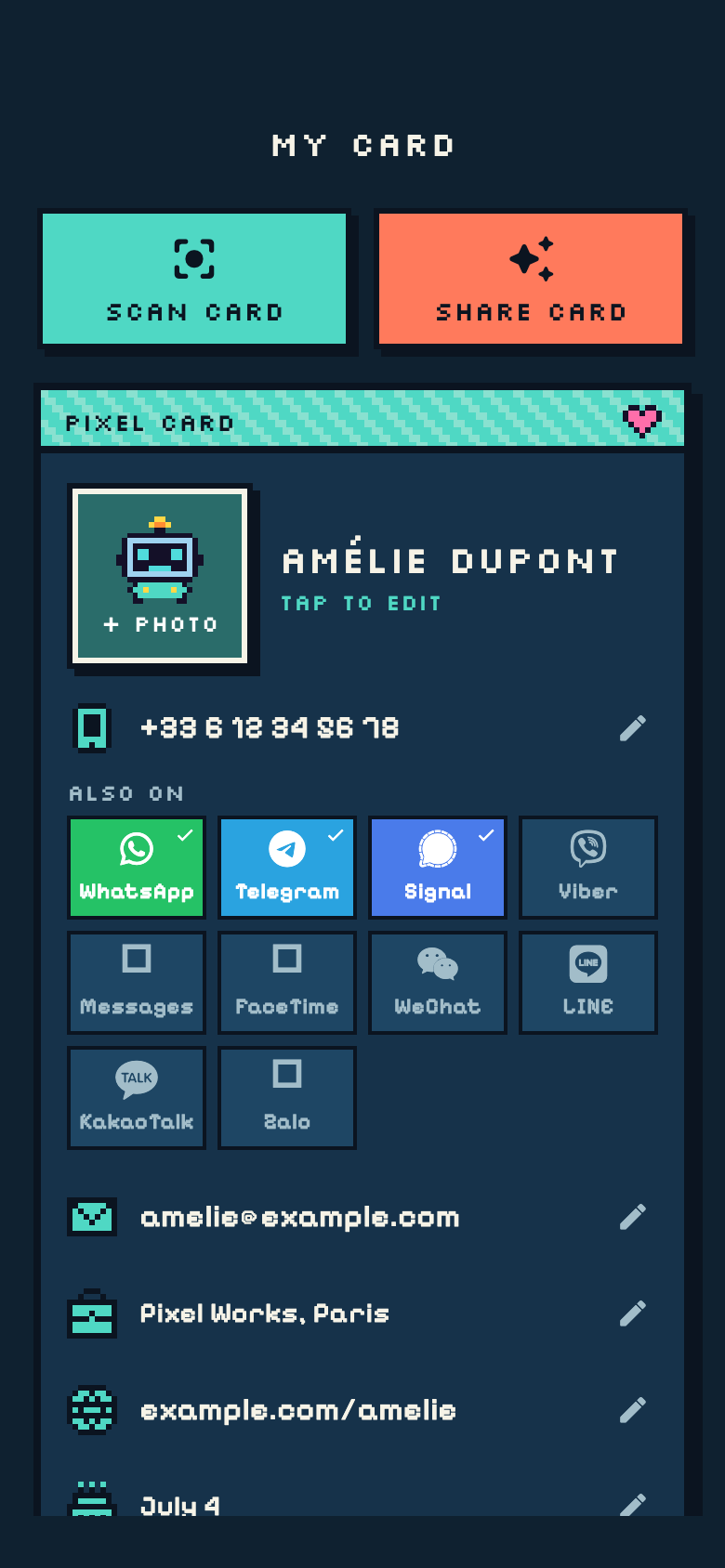
Your contact, as a pixel card
Meeting someone should not end with one of you spelling an e-mail address out loud.
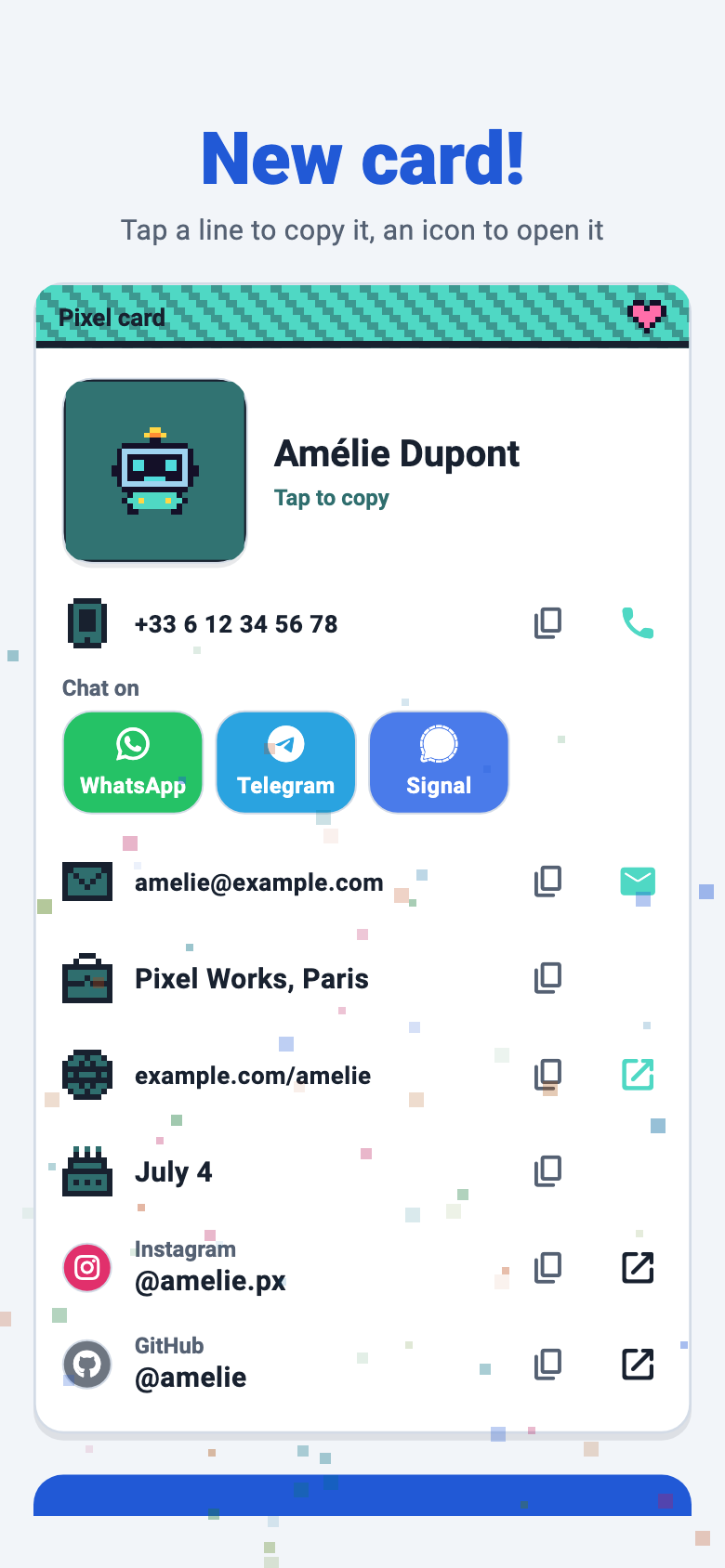
Make a card once: name, photo, phone, the chat apps you actually answer on, socials, website, even your birthday without the year. Then, each time you share it, you choose exactly what goes on it. The new colleague gets your work e-mail. The new friend gets your Instagram. Nobody gets more than you meant.
They film your card, it lands in their collection.
One tap to call, message on WhatsApp, Telegram or Signal, or open a profile.
One tap to add it to the phone's contacts.
Two Android phones can trade cards just by touching back to back.
It looks at what you were sent
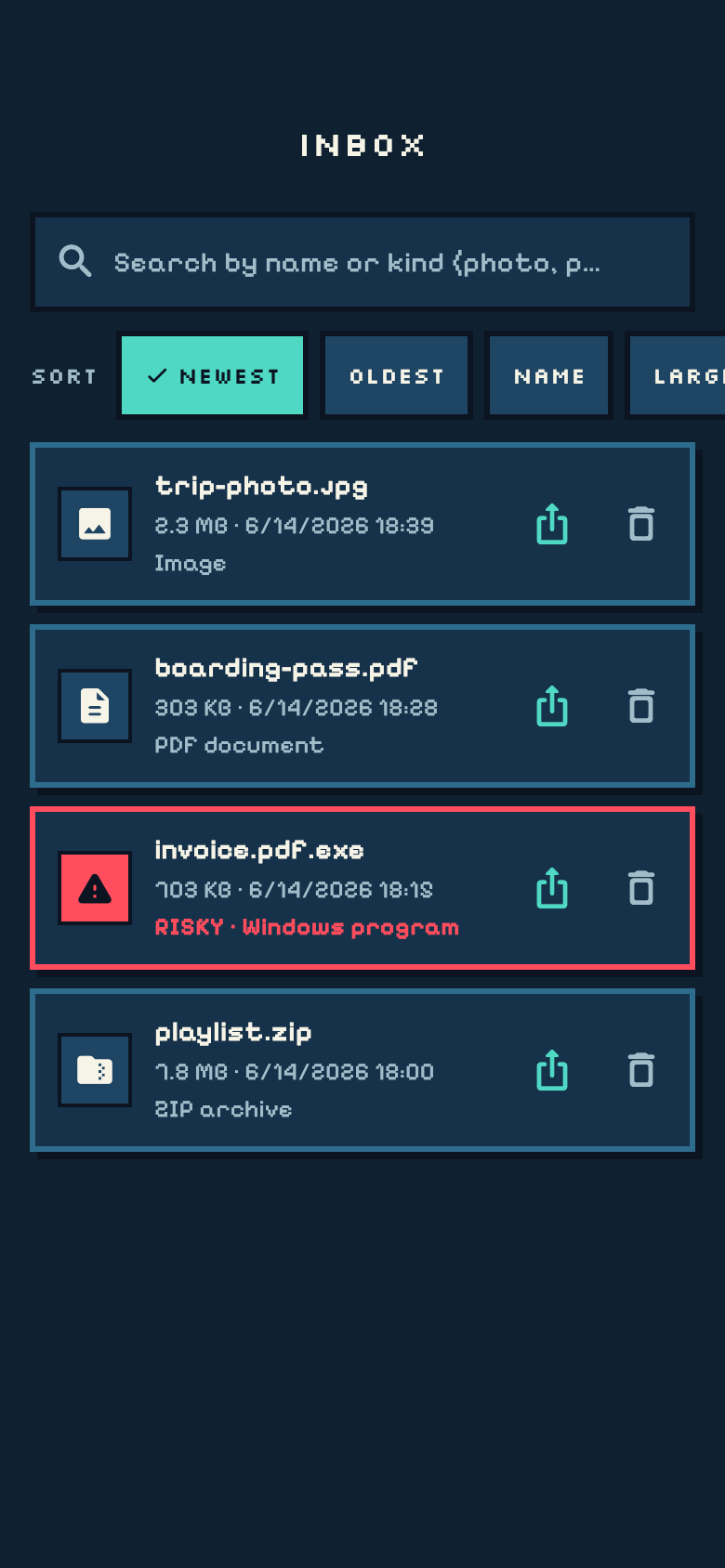
A file called invoice.pdf.exe is not an invoice. TakTakBeam reads what each received file really is and flags programs, scripts and files in disguise. It asks before a flagged file is opened or passed on.
And every transfer is verified end to end: if a single byte differs, it says so instead of handing you a broken file.
It checks what a file is. It is not an antivirus: open what you expected, from people you trust.
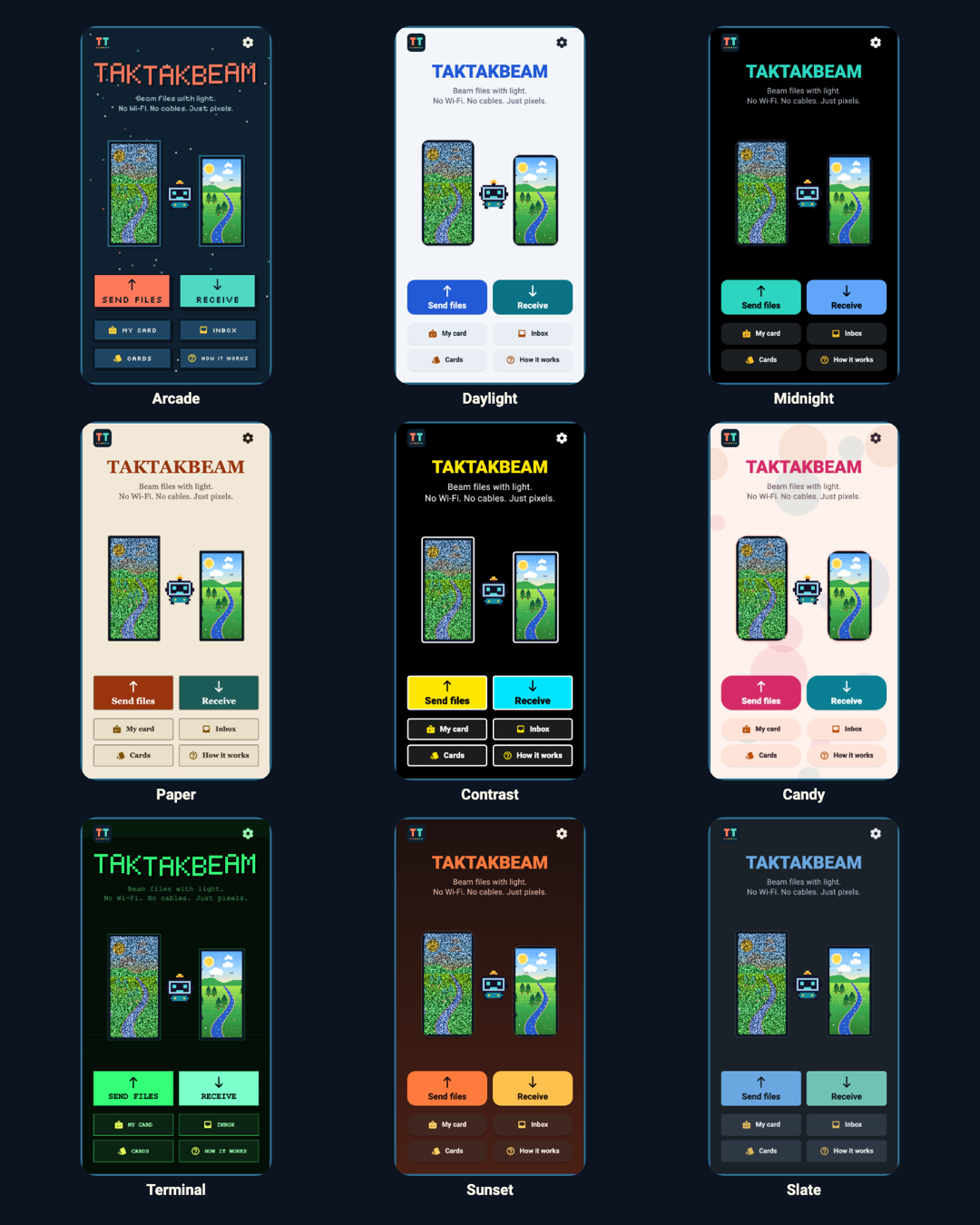
Nine looks, seventeen languages
Love the arcade pixels? Keep them. Prefer something calm, bright, or easy to read in the sun? Pick another. The app follows your phone's language, text size and reduced-motion setting.
English
Español
Français
Deutsch
Italiano
Português
Русский
Türkçe
Bahasa Indonesia
Tiếng Việt
中文
日本語
한국어
हिन्दी
العربية
বাংলা
ไทย
Private because there is nothing in the middle
No server
The app has no network access at all. A file travels as light from a screen to a camera, and nowhere else.
No account
No sign-up, no e-mail, no phone number. Open it and use it.
No ads, no tracking
Nothing is measured, nothing is sold. There is no analytics code in the app.
You choose
Nothing about you leaves your phone before you decide what to share, field by field.
Best for photos, documents, tickets, contact cards and short videos: things you want in someone's hands right now.
Not a replacement for a cable when you move a whole film library. It sends up to 512 MB at once, and big files take patience.
Needs line of sight: the phones face each other, about a hand apart, out of direct sunlight.
A Mac can send but not receive. Touch-to-trade for cards is on Android.
Questions people ask
Is it really free?
Yes. Free on the App Store and on Google Play, with no ads, no subscription and nothing to unlock.
Does the other person need the app?
Yes, both phones need TakTakBeam. It is a small, free download and needs no account, so it takes a minute.
Is this a QR code?
It is a cousin of one. A QR code holds a few hundred characters; TakTakBeam shows thousands of tiny cells that change many times a second, so it can carry whole files. That is also why it can paint a picture while it works.
How fast is it?
A contact card is instant. A photo takes a moment. A long video takes a while: the app shows the time left as soon as it knows. Speed depends on the sender's screen and the receiver's camera.
Can several people receive at the same time?
Yes. Everyone who can see the screen can film it, on any mix of iPhone and Android.
The screen flickers. Is that normal?
Yes, that is the data. The app warns about it once before the first transfer. If flashing light bothers you, look away while it sends.
What if my hand shakes?
The receiver follows the code as you move, and any frame it misses is made up by a later one. A stand, or resting the phone on a glass, makes it faster.
Where do received files go?
Into the app's inbox, where you can open them, delete them, or pass them to any other app with the share button: your gallery, your files, your mail.
Tak. Tak. Beam.
Free on iPhone, iPad and Android.
App Storecoming soonGoogle Playcoming soon
Need a hand?
Something not working, or an idea to make it better? Write to support@taktakbeam.com. A person reads it.